
The things you type every day, one click away.
Marklettes is a small browser extension for Chrome and Brave. Save the text you fill in all the time, search whatever you select, and check the time anywhere, from the toolbar or the right-click menu.
Download Marklettes Free, for Chrome and Brave. How to install
The ferry to the Stockholm archipelago leaves at nine. Call the harbor office at 415.555.1212 to book.
Fill a form in one click.
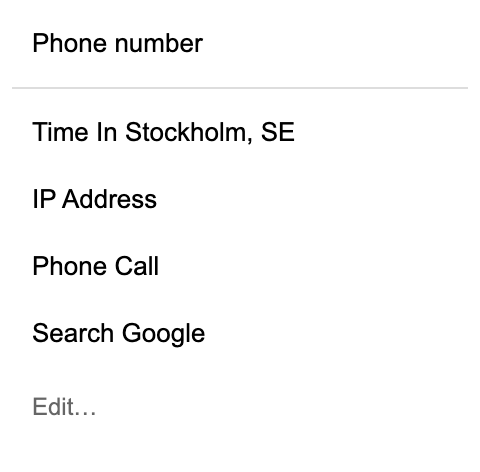
Save your phone number, email or address once. Pick it from the toolbar, or right-click any text field, and Marklettes fills it in and copies it too.
Look things up without leaving the page.
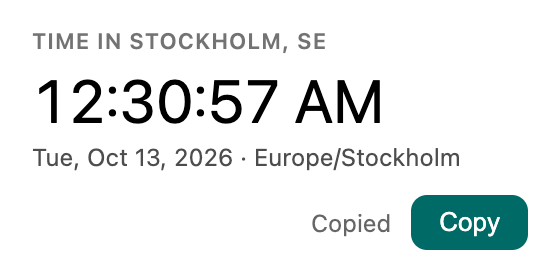
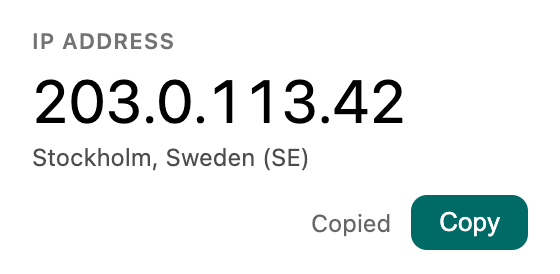
Add a clock for any time zone, or check your IP address and where it puts you. The answer opens right in the toolbar, already copied.
Make the list your own.
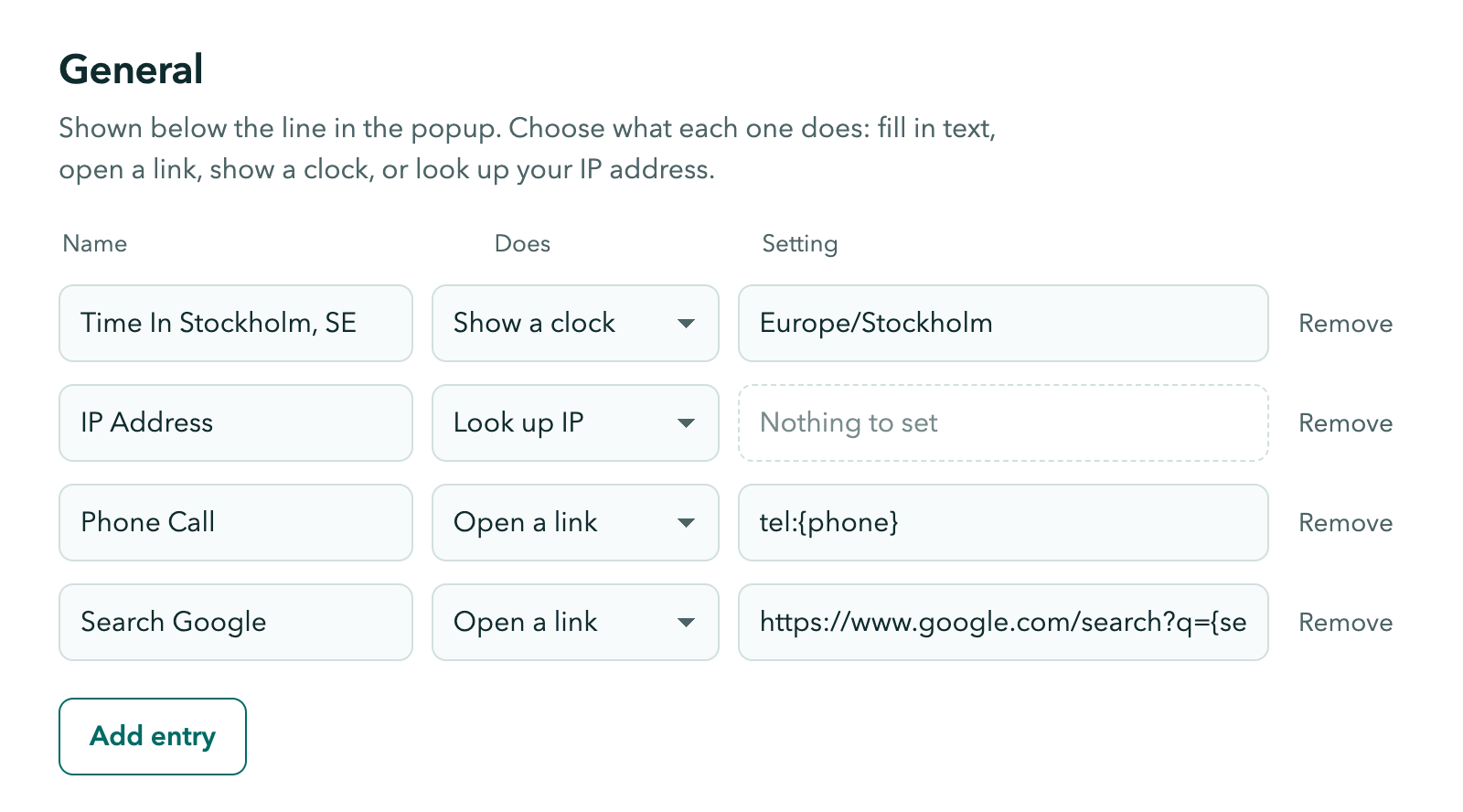
Add text, clocks and links built from what you select: a dictionary, a map, a store, an internal tool. Everything you add stays in your browser.
Add Marklettes to your browser.
It's free, for Chrome and Brave. You load it yourself, which takes about a minute.
- Download marklettes.zip and open it. Move the marklettes folder somewhere it can stay, like Documents.
- Go to
chrome://extensions(brave://extensionsin Brave) and turn on Developer mode, top right. - Click Load unpacked and choose the marklettes folder.
To update, download it again, replace the files inside that same folder, and click the reload arrow on Marklettes in the extensions page. Your entries stay as long as the folder doesn't move.
Download Marklettes